
Discover common Magento Business Central integration errors, from order and inventory sync to API issues, plus best practices to fix and prevent them. Integrating Magento with Microsoft Dynamics 365 Business Central enables seamless data synchronization across orders, inventory, customers, pricing, and financial records. When implemented correctly, this integration becomes the backbone of modern ERP eCommerce automation, eliminating manual work and improving operational accuracy.
However, due to the inherent complexity of ERP eCommerce environments, Magento Business Central sync errors can still occur especially when integrations are rushed, poorly configured, or insufficiently monitored. In this article we are going to learn the most common Business Central Magento sync problems, along with their root causes and proven fixes.
Why Magento Business Central Sync Errors Happen
Most Magento Business Central integration issues originate from underlying ERP sync issues that surface when two highly complex systems attempt real-time data exchange. While both platforms are powerful on their own, aligning their data structures, workflows, and processing logic requires careful planning and technical precision.
Complexity of ERP–eCommerce Integrations
ERP systems are built to manage back-office operations such as finance, inventory, procurement, and compliance. eCommerce platforms, on the other hand, focus on storefront performance, customer experience, and transaction speed. Because these systems follow different business logic and validation rules, even minor inconsistencies in data mapping can trigger Business Central data sync errors.

Real-Time vs Scheduled Sync Conflicts
Many integrations rely on a mix of real-time sync and scheduled background jobs. While this approach improves performance, it can also introduce race conditions if not managed properly. When real-time updates overlap with scheduled sync processes, the systems may overwrite each other’s data or process the same payload twice.

Impact of Poor Configuration
Poor initial setup is one of the leading causes of Magento Business Central connector errors. Misconfigured API connections, incorrect field mappings, missing unique identifiers, or disabled queue processing can all destabilize the integration. Without proper configuration and validation, errors may go unnoticed until they affect critical business workflows.
Order Sync Errors Between Magento and Business Central
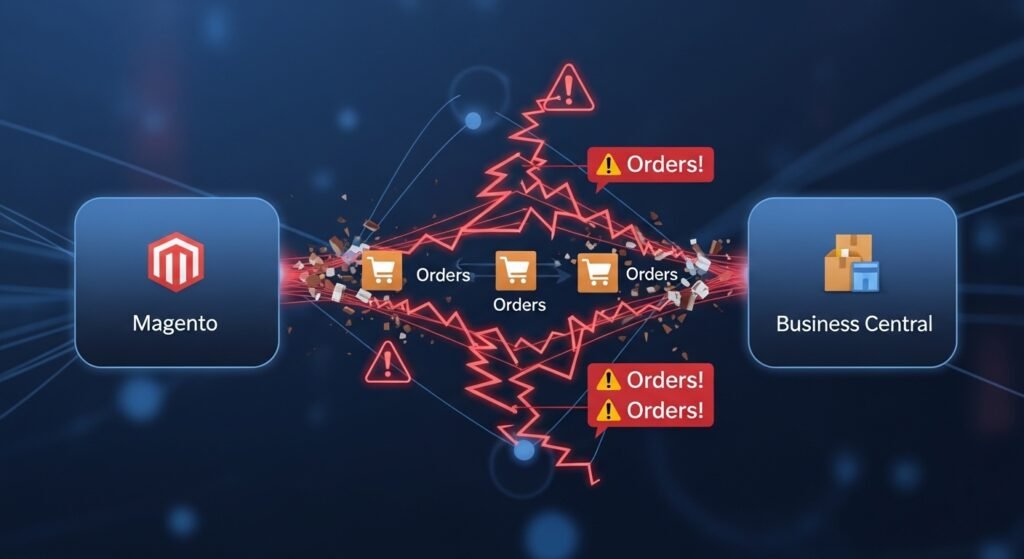
Order-related failures are among the most visible and damaging Magento order sync issues, because orders depend on nearly every other data entity customers, products, inventory, pricing, taxes, and shipping.
Orders Not Syncing to Business Central
In some cases, orders are successfully placed in Magento but never appear in Business Central, creating gaps in fulfillment and accounting.
Common causes include:
- API connection authentication failures
- Queue processing backlogs
- Stalled or failed background jobs
How to fix it:
- Validate API credentials, permissions, and endpoints
- Reset and monitor queue processing to ensure jobs are executing
- Review detailed error logs to identify failed transactions and retry them safely
Proactive monitoring of order sync queues can prevent silent failures that otherwise go unnoticed until customer complaints arise.
Duplicate or Partial Order Records
Duplicate or incomplete orders are another frequent symptom of unstable integrations.
Causes include:
- Retry logic resubmitting the same payload after timeouts
- Interrupted order processing workflows
Fixes:
- Implement idempotency checks to ensure each order is processed only once
- Use transaction-level logging to track order states and prevent duplicate records
These safeguards are critical for maintaining financial accuracy and customer trust.
Inventory Sync Errors and Stock Mismatches

Inventory sync errors in Magento Business Central integrations can quickly lead to overselling, lost revenue, and frustrated customers. Inventory accuracy is especially critical for multi-channel and high-volume stores.
Incorrect Stock Levels in Magento
Incorrect stock availability displayed on the storefront often results from delayed updates or conflicting inventory sources.
Causes:
- Delayed inventory updates from Business Central
- Manual stock overrides in one system
Fixes:
- Enforce strict real-time sync rules
- Define a single inventory source of truth
- Eliminate manual overrides where possible to avoid inventory mismatch
Overselling or Out-of-Stock Issues
During peak sales periods, even small sync delays can cause Magento to accept orders for products that are no longer available.
Causes:
- Sync latency under high transaction volume
Fixes:
- Apply stock reservation logic during checkout
- Reduce sync intervals
- Trigger inventory updates via event-based mechanisms rather than fixed schedules
These measures help maintain inventory accuracy even during traffic spikes.
Product and Pricing Sync Issues
Clean product and pricing data are essential for consistent customer experiences. Unfortunately, product sync issues and pricing mismatches are common during Magento ERP integration troubleshooting.
Products Not Updating in Magento
Product updates may fail to appear on the storefront despite being updated in the ERP.
Causes:
- Incorrect attribute or field mapping
- Unsupported or custom product attributes
Fixes:
- Validate and standardize data mapping
- Align product data models between Magento and Business Central
- Document supported attributes clearly
Incorrect Prices or Missing Discounts
Pricing discrepancies can erode customer trust and impact revenue.
Causes:
- Pricing rules applied inconsistently across systems
- Multiple pricing sources without clear priority
Fixes:
- Centralize pricing control in a single system
- Sync pricing rules rather than static prices
- Test pricing logic across customer groups and scenarios
Customer and Account Sync Errors
Customer-related Business Central data sync errors often affect reporting accuracy, customer segmentation, and personalized pricing strategies.
Missing or Duplicate Customers
Causes:
- Identifier mismatches between systems
- Inconsistent customer creation logic
Fixes:
- Use unique customer keys such as email or account ID
- Apply duplicate detection logic during data synchronization
Address and Tax Data Errors
Incorrect address or tax data can disrupt fulfillment and compliance.
Causes:
- Formatting inconsistencies
- Country-specific tax rule mismatches
Fixes:
- Normalize address fields
- Standardize country, region, and tax codes
- Validate tax rules during sync testing
API, Performance, and Timeout Errors
System performance issues can silently undermine integration stability if not actively managed.
API Authentication Failures
Causes:
- Expired tokens
- Rotated or outdated credentials
Fixes:
- Implement scheduled credential rotation
- Monitor API authentication error logs
- Set alerts for repeated authentication failures
Slow Sync or Timeouts
As data volume grows, sync performance can degrade.
Causes:
- Large payloads
- Synchronous processing under load
Fixes:
- Use batch processing for large datasets
- Shift heavy operations to asynchronous background jobs
- Optimize payload size and indexing
How to Monitor and Prevent Magento Business Central Sync Errors
Proactive integration monitoring is essential for maintaining long-term automation reliability.
Best practices include:
- Centralized error logs and real-time alerts
- Sync health dashboards to track failures and latency
- Regular audits after system updates
- Regression testing for critical workflows
Monitoring transforms integrations from reactive systems into stable, scalable foundations.
When to Use a Custom Magento Business Central Integration
Generic connectors can work for simple use cases but often struggle as businesses grow.
Limits of Generic Connectors
- Limited customization
- Poor performance under high data volumes
- Inflexible workflows
Benefits of Custom ERP Integration
- Tailored sync logic
- Industry-specific workflows
- Improved long-term stability and system performance
- Better alignment with business processes
Custom integrations are especially valuable for B2B, multi-store, or high-volume eCommerce operations.
Final Thoughts
A reliable ERP sync is the backbone of scalable eCommerce operations. By identifying Magento Business Central sync errors early, applying structured fixes, and investing in monitoring and performance optimization, businesses can build integrations that support growth instead of restricting it. Error-free automation reduces operational costs, improves customer experience, and allows teams to focus on scaling not constant troubleshooting. Have questions about Magento Business Central integration or struggling with sync issues? Visit our page to explore proven ERP integration strategies or contact us today to get expert help tailored to your business.
Read More:
Magento vs WooCommerce for Business Central ERP: Which Integration Is Right for Your Business?

Pingback: Why You Need Business Central Magento Integration by New Wiz Tech